Kirjojen hintavertailu – 12 859 827 kirjaa ja 27 kauppaa

Kirjailija

Guy Hart-Davis

Kirjat ja teokset yhdessä paikassa: 50 kirjaa, julkaisuja vuosilta 2003–2026, suosituimpiin kuuluu Teach Yourself VISUALLY MacBook Neo. Vertaile teosten hintoja ja tarkista saatavuus suomalaisista kirjakaupoista.

50 kirjaa

Kirjojen julkaisuvuodet: 2003–2026.

Deploying Chromebooks in the Classroom
Learn how to deploy Chromebook computers in a classroom or lab situation and how to navigate the hardware and software choices you face. This book equips you with the skills and knowledge to plan and execute a deployment of Chromebook computers in the classroom. Teachers and IT administrators at schools will see how to set up the hardware and software swiftly on your own or with the help of your students. Step-by-step instructions and practical examples walk you through assessing the practicability of deploying Chromebooks in your school, planning the deployment, and executing it. You'll become an expert in using a Chromebook, developing plans to train your colleagues and students to use Chromebooks, and learn how to run lessons with Google Classroom. You'll learn to manage the computers and the network and troubleshoot any problems that arise. Make Deploying Chromebooks in the Classroom a part of your instructional library today. What You'll LearnPut an easily-manageable computer on each desk for students to learn Internet use and essential office software skillsImage, configure, and plan a classroom deployment of Chromebook computersManage your classroom Chromebook computers and keeping them up and running smoothly and efficientlyWho This Book Is ForPrimary audience would be teachers and IT administrators at schools or colleges. It will also appeal to administrators at social clubs or organizations that provide less formal tuition or simply provide Internet access.
Deploying iPads in the Classroom
Master the skills and knowledge to plan and execute a deployment of iPads that will suit your school and your classroom. This book helps you evaluate your various options for deploying iPads—from configuring the tablets manually, through using Apple Configurator for imaging tablets, to subscribing to the heavy-duty Apple School Manager web service—and then shows you how to put your chosen approach into practice. Step-by-step instructions and practical examples walk you through the key questions you need to answer to get the most from your IT investment and then show you how to turn your decisions into deeds. The iPad is a wonderful device for helping students to study more comfortably and learn more quickly. Apple’s popular tablet enables you to put in each student’s hands a full-power computer that enables her to access resources both on the school’s network and on the Internet; communicate via email, instant messaging, and video chat; and createdigital content that she can submit effortlessly to your online marking system. Students love using the iPad—perhaps even more than teachers do! What You'll LearnPlan your iPad deployment and choose the right iPad models, accessories, and apps Image, configure, and deploy iPads in your classroom Review tips, tricks, and techniques for managing iPads and keeping your digital classroom running smoothlyWho This Book Is ForTeachers and IT administrators at schools or colleges, and administrators and organizers in other bodies that need to deploy iPads en masse to conference attendees or hotel visitors
Deploying Raspberry Pi in the Classroom
Learn how to deploy Raspberry Pi computers in a classroom or lab situation and how to navigate the hardware and software choices you face. Deploying Raspberry Pi in the Classroom equips you with the skills and knowledge to plan and execute a deployment of Raspberry Pi computers in the classroom. Teachers and IT administrators at schools will see how to set up the hardware and software swiftly on your own or with the help of your students. Step-by-step instructions and practical examples walk you through building your Raspberry Pi workstations and your network, managing the computers and the network, and troubleshooting any problems that arise. This book offers several points to involve your students through hands-on activities. These activities are designed to benefit your beginner and older or more able students alike. Make Deploying Raspberry Pi in the Classroom a part of you instructional library today. What you will learnPut an easily-manageable computer on each desk for students to learn Internet use and essential office software skillsImage, configure, and plan a classroom deployment of Raspberry Pi computersManage your classroom Raspberry Pi computers and keeping them up and running smoothly and efficientlyWho this book is forPrimary audience would be teachers and IT administrators at schools or colleges. It will also appeal to administrators at social clubs or organizations that provide less formal tuition or simply provide Internet access.
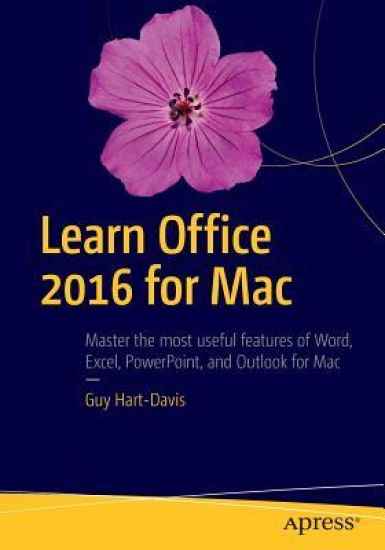
Learn Office 2016 for Mac

Learn Office 2016 for Mac

Guy Hart-Davis

APress
2016
nidottu
A practical, hands-on approach to using Office 2016 applications to create and edit documents and get work done efficiently. You'll learn how to customize Office, design, create, and share documents, manipulate data in a spreadsheet, and create lively presentations. You'll also discover how to organize your email, contacts, and tasks with the new Outlook for Mac. Conveying information quickly and concisely, the book brings you from beginner or intermediate to an experienced and confident user. Office for Mac remains the leading productivity suite for Mac, with Apple’s iWork and the free OpenOffice.org trailing far behind. Now, it's been updated with a cleaner interface and more compatibility with Exchange and SharePoint. This book provides the best combination of accessible and focused coverage of the Office 2016 applications. Rather than cover every seldom-used feature, the book covers real-world usage, putting emphasis on practical tasks andtroubleshooting common problems, such as sharing documents with Windows users and older versions of Office. What You Will LearnCreate professional documents for home and business using WordEdit documents collaboratively in real time with your colleaguesRecord and manipulate data using spreadsheetsUse your data to create powerful and convincing chartsBuild persuasive multimedia presentations in PowerPointDeliver presentations like an expertKeep your e-mail under control with OutlookStay on top of your schedule and your tasksWho This Book Is For Any Mac user who needs to work with Word, Excel, PowerPoint, or Outlook either for business or for pleasure. Professionals, students, and home user alike will benefit from straightforward explanations, step-by-step instructions, and effective workarounds for everyday problems.
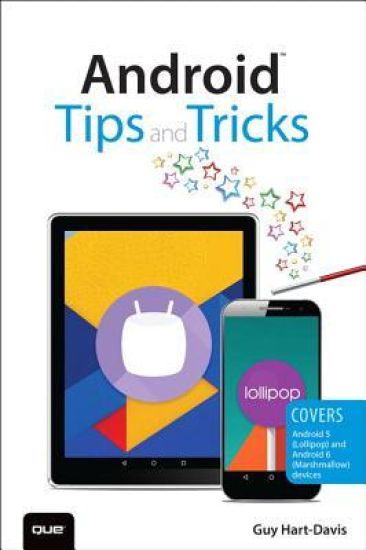
Android Tips and Tricks

Android Tips and Tricks

Guy Hart-Davis

Que Corporation,U.S.
2016
nidottu
Unlock the Full Power of Your Android™ Smartphone or Tablet Discover hundreds of tips and tricks you can use right away with your Android device to get more done, and have more fun. You’ll learn how to use your Android smartphone or tablet as a powerful communication, organization, and productivity tool as well as a feature-packed entertainment device. You will dig deep into the settings and capabilities of both Android itself and the preinstalled apps, developing the knowledge and skills to exploit them to the fullest. Easy to understand and non-technical, Android Tips and Tricks is perfect for beginners—and for more experienced users ready to ramp up their productivity or move to newer devices. It covers all new and recent Android smartphones and tablets running Android 6 (Marshmallow) or Android 5 (Lollipop)—with bonus, in-depth coverage of Samsung’s widely used TouchWiz skin. Here’s just a sampling of what this book’s tips, tricks, and techniques will help you do: · Connect to wireless and cellular networks, to keyboards and Bluetooth devices, and via VPNs · Transform your device into a portable Wi-Fi hotspot, and share Internet connections via USB or Bluetooth · Secure Android with screen and SIM locks, location settings, and encryption · Sideload apps from any source and keep bad apps from loading · Take Gmail to pro level with signatures, vacation responders, labels, archiving, advanced search, and secure two-step verification · Manage multiple email accounts together: POP, IMAP, web mail, and Exchange · Get more out of your Google Chrome browser, and share bookmarks across all your devices · Chat via text, audio, or video on Google Hangouts—and customize it to work just the way you want · Enjoy your music everywhere, whether it’s stored locally or in the cloud · Easily capture, edit, and share top-quality photos and videos · Transform your smartphone or tablet into a total social networking hub · Squeeze more battery life from your Android device
Learn Excel 2016 for OS X

Learn Excel 2016 for OS X

Guy Hart-Davis

APress
2015
nidottu
Microsoft Excel 2016 for Mac OS X is a powerful application, but many of its most impressive features can be difficult to find. Learn Excel 2016 for OS X by Guy Hart-Davis is a practical, hands-on approach to learning all of the details of Excel 2016 in order to get work done efficiently on OS X. From using formulas and functions to creating databases, from analyzing data to automating tasks, you'll learn everything you need to know to put this powerful application to use for a variety of tasks.
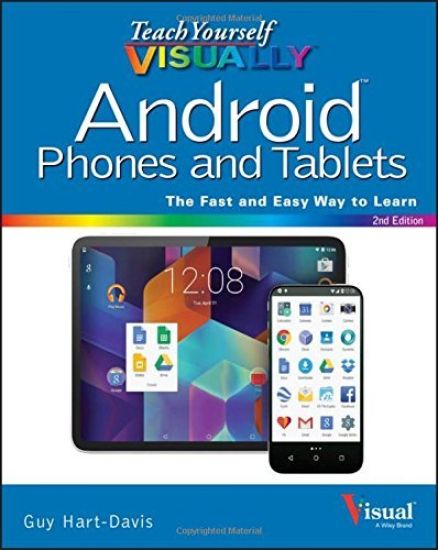
Teach Yourself VISUALLY Android Phones and Tablets

Teach Yourself VISUALLY Android Phones and Tablets

Guy Hart-Davis

John Wiley Sons Inc
2015
nidottu
Experience all your Android device has to offer! Teach Yourself VISUALLY Android Phones and Tablets, 2nd Edition is the perfect resource if you are a visual learner who wants to master the ins and outs of the Android operating system. With step-by-step instructions driven by targeted, easy-to-understand graphics, this informative book shines a light on the features, functions, and quirks of the Android OS—and shows you how to use them. With the guidance provided by this easy to follow resource, you will quickly access, download, and enjoy books, apps, music, and video content, as well as photos, emails, and other forms of media, right from your phone or tablet! This book is perfect for Android users at beginner to intermediate levels. The Android operating system is graphics intensive, which is why a visual guide is the best way to navigate your Android device. Now that the Android OS is available on both phones and tablets, you can maximize the productivity and convenience of your devices by mastering the features, functions, and quirks of this operating system. Explore the latest Android features and functionsPeruse full-color illustrations that walk you, step-by-step, through instructions for using the Android operating systemDiscover how to access, download, and enjoy multimedia contentSync your Android devices to maximize their capabilities Teach Yourself VISUALLY Android Phones and Tablets, 2nd Edition is the top resource for visual learners wanting to further explore the capabilities of Android devices.
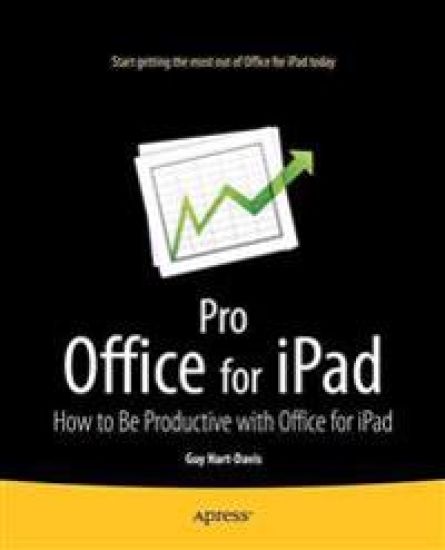
Pro Office for iPad

Pro Office for iPad

Guy Hart-Davis

APress
2014
nidottu
Microsoft Office for iPad is here! So learn the tips, tricks, and get around the gotchas in Microsoft Office for iPad with Pro Office for iPad. This book shows you how you can become productive quickly by avoiding those annoyances and confusions and slow-me-downs that can happen when you start using Office with your fingers! How is Office for iPad different from Office on your Mac or PC? Which features do the Office for iPad apps have, which do they lack, and how can you work around their limitations? How can you share your files among the different versions of Office? How quickly can you work without the physical keyboard and keyboard shortcuts you're used to -- and which keyboard shortcuts can you use if you connect a hardware keyboard to your iPad? Whether you plan to write a few letters or your dissertation, run your home office away from home, or use your iPad for daily business, Pro Office for iPad will show you how to get the most out of Word, Excel, and other Office apps on your iPad. Enjoy your new freedom and still be as productive as ever with the skills and techniques you'll learn in Pro Office for iPad.
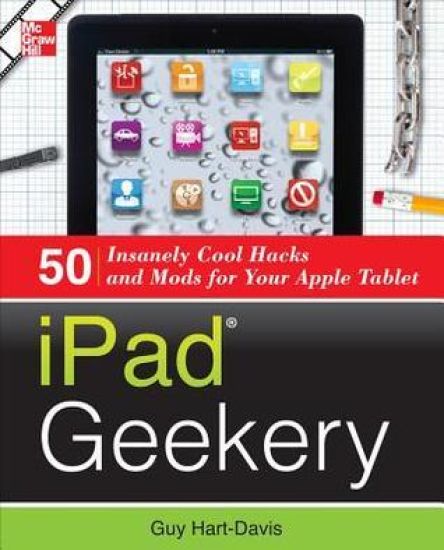
iPad Geekery

iPad Geekery

Guy Hart-Davis

McGraw-Hill Professional
2012
nidottu
Publisher's Note: Products purchased from Third Party sellers are not guaranteed by the publisher for quality, authenticity, or access to any online entitlements included with the product. Take your iPad to its limits--and way beyondYou've already mastered iPad essentials. Now, become a bona-fide power-user and transform your iPad into a media center, gaming device, photo and video camera, document editor, and high-powered computer. Through easy-to-follow instructions and illustrations, iPad Geekery: 50 Insanely Cool Hacks and Mods for Your Apple Tabletteaches you these expert tricks. You'll also find out how to secure your iPad, protect your personal information, and install apps from any source. Get your geek on! Learn how to:Use your iPad as your home and car stereoPack your iPad with high-quality music files and share them with othersUse your iPad as your backing band, your recording studio, and even fix your off-key singingWatch DVDs, stream videos, and show content on your TVTake captivating photos and make professional-grade filmsPlug in a keyboard and use your iPad as your main computerCreate Word, Excel, PowerPoint, and PDF filesTroubleshoot problems and restore your iPad to factory settingsKeep your data secure no matter where your iPad goesConnect to your personal or company networkBack up, unlock, and "jailbreak" your iPad
Kindle Fire Geekery: 50 Insanely Cool Projects for Your Amazon Tablet
Publisher's Note: Products purchased from Third Party sellers are not guaranteed by the publisher for quality, authenticity, or access to any online entitlements included with the product. Take your Kindle Fire to its limits—and way beyond themYou already know how to download and read e-books on your Kindle Fire. Now, discover how to turn it into a personal music and video player, Web and e-mail device, Android-based app and gaming center, text messager, and remote work tool. Kindle Fire Geekery: 50 Insanely Cool Projects for Your Amazon Tablet teaches these power-user tricks and many more. You’ll see how to load non-Amazon media files, find free stuff, and stream your library from the cloud. Get your geek on! Learn how to: Use your Kindle Fire as a portable music player Rip CDs and transfer audio from LP or cassetteWatch movies and TV shows stored on your computerStream your collection through Amazon’s Cloud DriveLoad e-books from any format to your Kindle FireLock your Kindle Fire and tweak its operating systemInstall apps from sources other than Amazon’s AppstoreConnect to WiFi networks, browse the Web, and use e-mailKeep your Kindle Fire and its Silk browser running smoothlySend text messages, share files, and edit Office documents
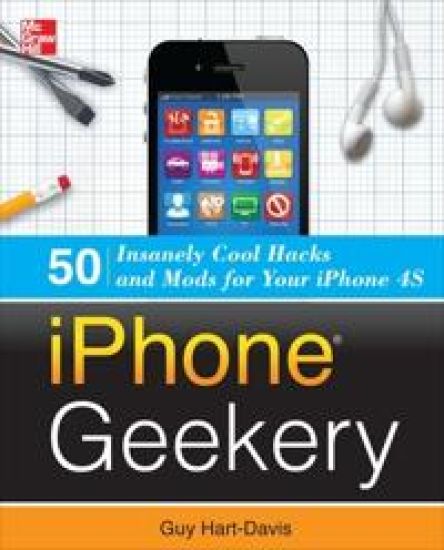
iPhone Geekery: 50 Insanely Cool Hacks and Mods for Your iPhone 4S
Publisher's Note: Products purchased from Third Party sellers are not guaranteed by the publisher for quality, authenticity, or access to any online entitlements included with the product. Discover More Great Things to Do with Your iPhone 4S or iPhone 4! You already know how to do everyday things with your iPhone--make calls, take photos, enjoy music and movies, and play games. Now it's time to take your iPhone to the next level and turn it into your home recording studio, professional-quality video camera, and handy computer for both business computing and personal productivity. iPhone Geekery shows you how to do all this, and much, much more. You'll learn everything from keyboard secrets and power-user email techniques to ways to jailbreak your iPhone and recover space from its file system. Get your geek on! Learn how to:Load and sync content from multiple computersUse your iPhone as your home and car stereoRecord your band on your iPhone--or use your iPhone as your backing trackTake stunning macro, telephoto, and panoramic photosTurn your iPhone into your main computerSecure your iPhone against water, dirt, and grimeShare your iPhone's Internet connection with your computerUse your iPhone to control your computer remotelyJailbreak your iPhone and install apps Apple hasn't approvedPlay Genesis, Nintendo, and arcade games on your iPhone under emulationAnd lots more!
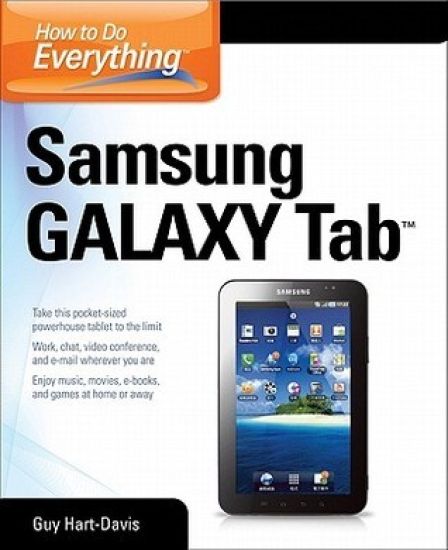
How to Do Everything Samsung Galaxy Tab

How to Do Everything Samsung Galaxy Tab

Guy Hart-Davis

McGraw-Hill Professional
2012
nidottu
Publisher's Note: Products purchased from Third Party sellers are not guaranteed by the publisher for quality, authenticity, or access to any online entitlements included with the product. Get the most out of your Samsung GALAXY TabAt last--a tablet that puts the power of a full computer right in your hands! This hands-on guide shows you show to tap into your Galaxy Tab's full range of business productivity and entertainment features. How to Do Everything: Samsung GALAXY Tab teaches you how to connect to wireless networks, sync data with your PC or Mac, browse the Web, use e-mail, and much more. Harness the power of the Android operating system, maximize the built-in and third-party applications, and maintain and troubleshoot your Galaxy Tab with help from this practical, time-saving resource.set up, navigate, and customize your Galaxy Tab Connect seamlessly to as many wireless networks as you needSynchronize your Galaxy Tab with your PC or Mac using Samsung KiesPlay movies on your Galaxy Tab or your TVTake photos and videos and share them online and offlineCheck e-mail, communicate with instant messaging, and browse the Web from anywhereKeep up with your social networks on the goRead e-books and PDFs in the palm of your handNavigate easily with Google MapsInstall and use versatile applications from the Android MarketTroubleshoot, maintain, and secure your Galaxy TabConnect to your work network via virtual private networking
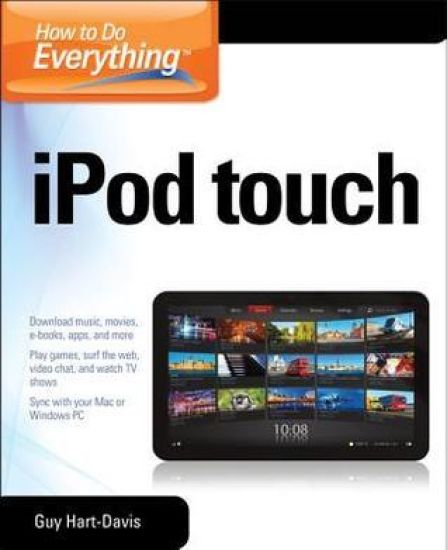
How to Do Everything iPod Touch

How to Do Everything iPod Touch

Guy Hart-Davis

McGraw-Hill Professional
2012
nidottu
Publisher's Note: Products purchased from Third Party sellers are not guaranteed by the publisher for quality, authenticity, or access to any online entitlements included with the product. This practical guide covers all that’s new in the latest iPod touch and shows the best ways to load media content, play games, surf the web, use FaceTime to video chat, watch TV shows and movies, and more! How to Do Everything: iPod touch covers the new, supercharged iPod touch which combines three great products: a widescreen iPod with touch controls; a portable game console; and a breakthrough Internet device The book’s chapters provide details on loading your iPod touch with music, videos, games, and data, plus how to chat with FaceTime, keep up with social media accounts, take photos, create and edit business documents, and much more. You’ll get all the information you need to fully exploit the iPod touch with both Windows PCs and Macs and learn about the wealth of activity you can do beyond listening to music. How to Do Everything: iPod touchContains clear instructions with screenshots and illustrations that guide you through everything from unboxing your iPod touch and installing iTunes to troubleshooting hardware and software issuesIncludes “How To” and “Did You Know?” sidebars with extra information to help you with tricky issues and queriesExplains how to use your iPod touch and iTunes with both Windows PCs and Macs, covering Windows 7 and Mac OS X 10.7 LionOffers tips for building a comprehensive media library in iTunes and keeping it backed up
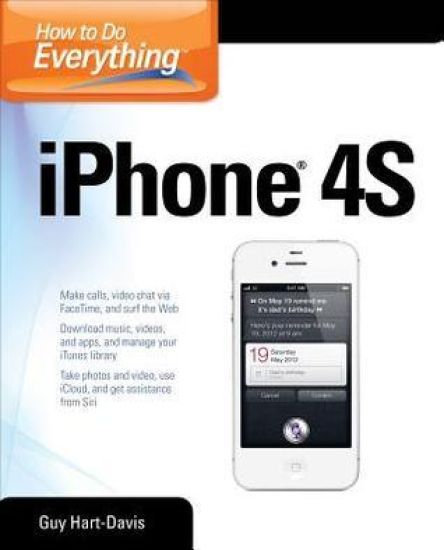
How to Do Everything iPhone 4S

How to Do Everything iPhone 4S

Guy Hart-Davis

McGraw-Hill Professional
2012
nidottu
Publisher's Note: Products purchased from Third Party sellers are not guaranteed by the publisher for quality, authenticity, or access to any online entitlements included with the product. Unleash the amazing features of your iPhone 4S! Filled with handy tips and little-known tricks, How to Do Everything: iPhone 4S shows you how to maximize the powerful capabilities of this revolutionary device. Configure and customize your iPhone, make calls, video chat, listen to music, watch videos, create and manage your iTunes library, surf the Web, take photos and video, ask Siri for assistance, use iCloud to store and access your content, and much more. You’ll also learn how to connect your iPhone to your company’s network via virtual private networking and to your company’s Exchange Server for e-mail and calendars. Load your iPhone with music, videos, data, and apps Connect to wireless networks at home, at work, and on the roadTake crisp photos and video with the new eight megapixel cameraMake phone calls, video chat with FaceTime, and use e-mail and instant messagingUse iCloud to sync content seamlessly between your iPhone and other iOS devicesGet help from Siri, the voice-controlled intelligent assistantKeep up to date with your calendars and contacts Create a great audio and video library for your iPhone and iTunesUse your iPhone for file backup, storage, and transferConnect to your business network and to Exchange ServerCreate, edit, and share business documents on your iPhoneSync your iPhone with multiple computers Troubleshoot your iPhone and iTunes
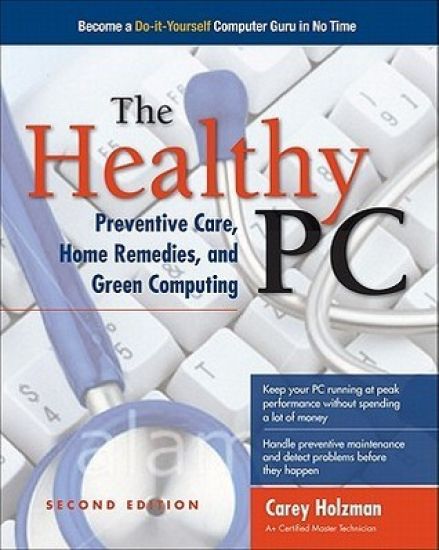
The Healthy PC: Preventive Care, Home Remedies, and Green Computing
Publisher's Note: Products purchased from Third Party sellers are not guaranteed by the publisher for quality, authenticity, or access to any online entitlements included with the product. Get your PC running at full speed again--and remove malevolent softwareSave yourself time, money, and frustration by becoming your own computer guru. The Healthy PC: Preventive Care, Home Remedies, and Green Computing, Second Edition shows you how to find out what's wrong with your PC and solve the problems yourself. You'll get expert tips for making your PC start up faster, keeping its hard drive in good shape, and updating Windows with the latest security fixes. This hands-on guide also explains how to protect your PC for free using Microsoft Security Essentials, use the Internet safely, and configure parental controls to protect your children both online and offline. Disable unnecessary startup items and boost virtual memoryDefragment your PC's hard disk and reclaim wasted spaceArmor your PC against attacks, viruses, malware, and spywareProtect Windows by applying the latest patches and fixesLock down your wired and wireless Internet and network connections against intrudersSurf safely and reduce risks from e-mail, IM, and social networkingKeep your children safe onlineMaximize your PC's memory and add external hard drivesUpgrade to Windows 7 and transfer your files and settingsGuy Hart-Davis is the author of more than 70 computer books, including iPad and iPhone Administrator's Guide, Integrating Macs into Windows Networks, Mac OS X System Administration, and How to Do Everything: iPad and iTunes, Sixth Edition.
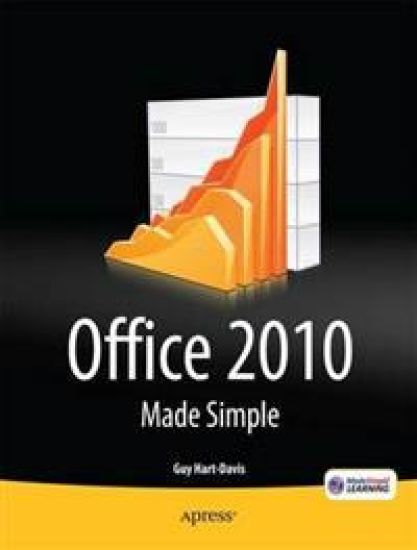
Office 2010 Made Simple

Office 2010 Made Simple

Guy Hart-Davis; MSL Made Simple Learning

APress
2011
nidottu
Office 2010 Made Simple for Windows is a practical and highly effective approach to using the Office 2010 Home & Business (Word, Excel, PowerPoint, Outlook, OneNote) and Home & Student (Word, Excel, PowerPoint, OneNote) programs to create and edit documents and get work done efficiently. Conveying information quickly and concisely, the book brings you from a beginner or low intermediate to an experienced and confident user. Illustrated graphical approach shows what happens at each stage Short sections provide instant access to each task the reader needs to perform Step-by-step instructions help the reader grasp even complex procedures in full confidence
Learn Excel 2011 for Mac

Learn Excel 2011 for Mac

Guy Hart-Davis

APress
2011
nidottu
Microsoft Excel 2011 for Mac OS X is a powerful application, but many of its most impressive features can be difficult to find. Learn Excel 2011 for Mac by Guy Hart-Davis is a practical, hands-on approach to learning all of the details of Excel 2011 in order to get work done efficiently on Mac OS X. From using formulas and functions to creating databases, from analyzing data to automating tasks, you'll learn everything you need to know to put this powerful application to use for a variety of tasks.
iPad & iPhone Administrator's Guide

iPad & iPhone Administrator's Guide

Guy Hart-Davis

McGraw-Hill Professional
2011
nidottu
Publisher's Note: Products purchased from Third Party sellers are not guaranteed by the publisher for quality, authenticity, or access to any online entitlements included with the product. Securely deploy iPads and iPhones on corporate networksSeamlessly integrate iPads and iPhones into your company's IT systems using the detailed instructions contained in this practical book. iPad & iPhone Administrator's Guide shows you how to use iPads and iPhones as business devices and manage them tightly with Apple's enterprise tools. Learn how to connect iPads and iPhones to your organization's wireless network and mail servers, equip users with the apps they need to be productive at work and outside it, and provide access to essential data without compromising security. Plan your deployment and choose suitable iPads and iPhonesActivate iPhones quickly using iTunes' activation-only modeSet up iPads and iPhones automatically using iPhone Configuration UtilitySet up Wi-Fi and VPN connections manually or with configuration profilesConnect iPads and iPhones to Microsoft Exchange and other mail serversChoose the best third-party apps, install them, and keep them updatedInstall custom enterprise apps using provisioning profilesLoad and transfer documents via File Sharing and third-party toolsGive iPad and iPhone users remote access to your networkManage Windows or Mac OS X servers from your iPad or iPhoneSecure iPads and iPhones with strong passcodes--and wipe their contents remotely if they're stolenTroubleshoot hardware and software problems
Integrating Macs into Windows Networks

Integrating Macs into Windows Networks

Guy Hart-Davis

McGraw-Hill Professional
2010
nidottu
Publisher's Note: Products purchased from Third Party sellers are not guaranteed by the publisher for quality, authenticity, or access to any online entitlements included with the product. Integrate Macs seamlessly into your Windows networkThese days, almost every Windows network must include Macs--and not just as second-class citizens with limited connectivity, but as full members of the network. Covering Mac OS X Snow Leopard and Windows Server 2008 R2, Integrating Macs into Windows Networks shows you how to incorporate Macs quickly and easily into your Windows Server network. You'll learn how to plan your Mac rollout, choose the best way of managing Macs, add Macs to the network seamlessly, and keep them secure and running smoothly. Select the right Macs for your organization's needsMake the physical connection to the network via Ethernet or AirPortChoose between extending Active Directory to handle Macs or building a "magic triangle" with Mac OS X ServerUse proxy servers to give Macs safe internet accessConnect Mac clients to Microsoft Exchange for e-mail and calendaringProvide Mac users with network home or mobile home foldersSet up Macs to print to your Windows network printersInstall software on Macs automatically both before and after deploymentRun Windows programs on Macs using Boot Camp, virtual machines, or bothAllow Mac users remote access to the network via virtual private networkingBack up and restore data, and troubleshoot Mac hardware and software problems
Beginning Microsoft Word 2010

Beginning Microsoft Word 2010

Ty Anderson; Guy Hart-Davis

APress
2010
nidottu
Beginning Microsoft Word 2010 is a visually stimulating introductory guide that teaches the complete Word newbie (as well as slightly experienced yet equally baffled users) what they need to know to write that thesis or proposal tonight. From the absolute basics like installing the software and creating documents to more advanced features like adding images and working with themes, this book is your one-stop source for using Word 2010 effectively. This books shows you what’s new in Word 2010—including advanced features for collaboration on documents and updates to the user interface—while also providing a solid grounding in overall word processing skills. Using step-by-step instructions as well as visual aids and screenshots, Beginning Microsoft Word 2010 will guide you from a no-nothing newbie to a proficient and knowledgeable Word user.