Kirjojen hintavertailu – 12 859 827 kirjaa ja 27 kauppaa

Kirjailija

Paul McFedries

Kirjat ja teokset yhdessä paikassa: 50 kirjaa, julkaisuja vuosilta 2003–2026, suosituimpiin kuuluu Teach Yourself VISUALLY Windows 11. Vertaile teosten hintoja ja tarkista saatavuus suomalaisista kirjakaupoista.

50 kirjaa

Kirjojen julkaisuvuodet: 2003–2026.

Amazon Fire TV For Dummies

Amazon Fire TV For Dummies

Paul McFedries

John Wiley Sons Inc
2020
nidottu
Enjoy more entertainment with this friendly user guide to making the most of Amazon Fire TV! Find and watch more of the shows you enjoy with Amazon Fire TV For Dummies. This book guides you through Fire TV connections and setup and then shows you how to get the most out of your device. This guide is the convenient way to access quick viewing tips, so there’s no need to search online for information or feel frustrated. With this book by your side, you’ll quickly feel right at home with your streaming device. Content today can be complicated. You want to watch shows on a variety of sources, such as Hulu, Amazon Prime, Netflix, and the top premium channels. Amazon’s media device organizes the streaming of today’s popular content services. It lets you use a single interface to connect to the entertainment you can’t wait to watch. This book helps you navigate your Fire TV to find the content you really want. It will show you how to see your favorite movies, watch binge-worthy TV shows, and even play games on Fire TV. Get the information you need to set up and start using Fire TV. Understand the basics of how to use the deviceExplore an array of useful features and streaming opportunitiesLearn techniques to become a streaming pro Conquer the world of Fire TV with one easy-to-understand book. Soon you’ll be discovering the latest popcorn-worthy shows.
Microsoft Excel 2019 Formulas and Functions

Microsoft Excel 2019 Formulas and Functions

Paul McFedries

Microsoft Press
2019
nidottu
Master core Excel tools for building powerful, reliable spreadsheets with Excel 2019 Formulas and Functions. Excel expert Paul McFedries shows how to use Excel core features to solve problems and get the answers you need. Using real-world examples, McFedries helps you get the absolute most out of features and improvements ranging from AutoFill to Excel’s newest functions. Along the way, you discover the fastest, best ways to handle essential day-to-day tasks ranging from generating account numbers to projecting the impact of inflation. Becoming an Excel expert has never been easier! You’ll find crystal-clear instructions; insider insights; even complete step-by-step projects for building timesheets, projecting cash flow, aging receivables, analyzing defects, and more. • Quickly create powerful spreadsheets with range names and array formulas • Use conditional formatting to instantly reveal anomalies, problems, or opportunities • Analyze your data with standard tables and PivotTables • Use complex criteria to filter data in lists • Understand correlations between data • Perform sophisticated what-if analyses • Use regression to track trends and make forecasts • Build loan, investment, and discount formulas • Validate data, troubleshoot problems, and build more accurate, trustworthy spreadsheets
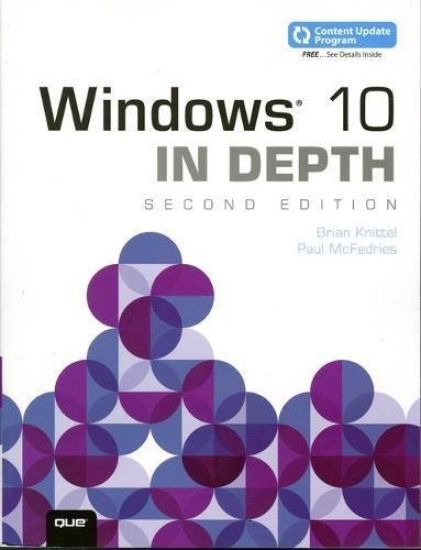
Windows 10 In Depth

Windows 10 In Depth

Brian Knittel; Paul McFedries

Que Corporation,U.S.
2018
nidottu
This edition covers the Fall Creators Update to Windows 10. Do more in less time! Experienced with Windows? Don't let Windows 10 make you feel like a beginner again! This book is packed with intensely useful knowledge, tips, and shortcuts you just won't find anywhere else. It's the fastest, best way to master Windows 10's full power, revamped interface, and new tools—from the reconfigured Start menu to the Cortana personal assistant. This friendly, expert guide will make Windows 10 way more productive, painless, and fun, whether you're running it on a computer or a tablet…at home, at work, on the road, anywhere! · Take a quick guided tour of everything that's new in Windows 10 · Get the most out of Edge, Microsoft's modern web browser · Navigate the Windows 10 interface (and customize it to make yourself more comfortable) · Discover hidden shortcuts and timesavers you'd never find on your own · Quickly locate and use files, media, apps, websites, and management tools · Connect reliably and safely to networks, the Internet, and Wi-Fi hotspots · Increase your efficiency by taking advantage of Windows 10's virtual desktops · Maximize the performance and reliability of your hardware and storage devices · Set up a safe and effective network for your home or office · Systematically protect yourself from viruses, spyware, snoops, fraud, and spam · Use the most convenient and efficient interface for every task: keyboard, touch, pen, or voice · Discover tweaks and customizations that are actually worth the effort · Get more out of your Windows 10 laptop or tablet on the road · Remotely use your Windows 10 computer and data from anywhere on earth · Access even more power with Windows 10's command-line utilities · Use Hyper-V, the subsystem for Linux, and Windows containers to run other operating systems alongside Windows · Troubleshoot the most common Windows 10 problems—and the toughest ones Content Updates CompleteThis title is no longer part of the Content Update Program. The content is final, and no further updates will be released.
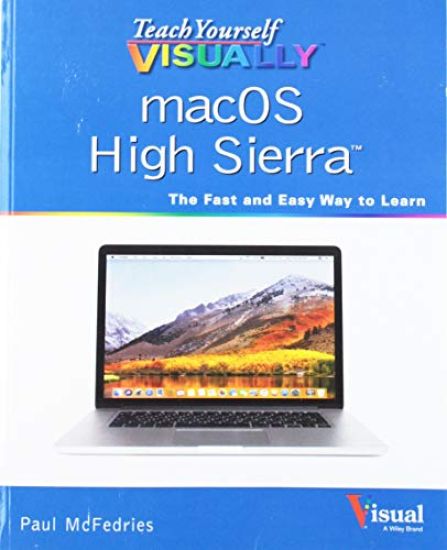
Teach Yourself VISUALLY macOS High Sierra

Teach Yourself VISUALLY macOS High Sierra

Paul McFedries

John Wiley Sons Inc
2018
nidottu
Take a guided tour of macOS High Sierra and discover just how much your Mac can do Teach Yourself VISUALLY macOS High Sierra is the perfect introduction to Apple's operating system. With clear, step-by-step instructions and plenty of rich visuals, it walks you through the new macOS High Sierra and demonstrates the essential tasks you need to know. You'll learn how to manipulate Preferences to customize your experience, make the most of your digital media, and streamline your workflow while having a little fun. You'll tour Photos, Messages, and Notifications, and get acquainted with Mission Control, the App Store, and Siri. New Mac users will appreciate the straightforward instruction, while veteran users will enjoy getting up to speed on the latest features introduced or upgraded in macOS High Sierra. macOS High Sierra is the latest incarnation of Apple's macOS, boasting elegant new visuals, several new features, and more seamless integration of Mac and iOS devices. If you use a Mac, you're going to want a guided tour that shows you just what macOS can do for you. Teach Yourself VISUALLY macOS High Sierra is your go-to guide, from the fundamentals to the neat little tricks that make the Mac experience something far beyond computing. • Edit and enhance photos with the powerful new tools on the Photos app • Browse the web safely with Safari's new privacy features • Share files quickly and easily using iCloud Drive • Use Siri to accomplish more in less time Like any computer, your Mac is a tool. And like any tool, the more you know about it, the more you get out of it. Discover the beauty, simplicity, and sheer functionality that millions already enjoy—and get ready to master your Mac with Teach Yourself VISUALLY macOS High Sierra.
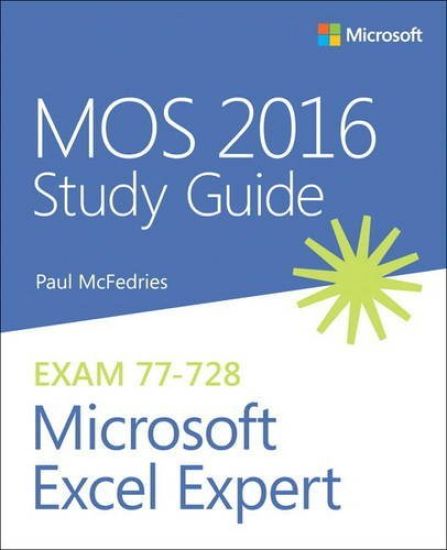
MOS 2016 Study Guide for Microsoft Excel Expert

MOS 2016 Study Guide for Microsoft Excel Expert

Paul McFedries

Microsoft Press,U.S.
2017
nidottu
Hone your advanced Excel 2016 skills. And earn the credential that proves it! Demonstrate your expertise with Microsoft Excel! Designed to help you practice and prepare for Microsoft Office Specialist (MOS): Excel Expert 2016 certification, this official Study Guide delivers: In-depth preparation for each MOS objectiveDetailed procedures to help build the skills measured by the examHands-on tasks to practice what you’ve learnedReady-made practice files Sharpen the skills measured by these objectives: Create and Manage WorkbooksApply Custom Formatting and LayoutsCreate Advanced FormulasPerform Data AnalysisCreate Advanced Charts and PivotTables
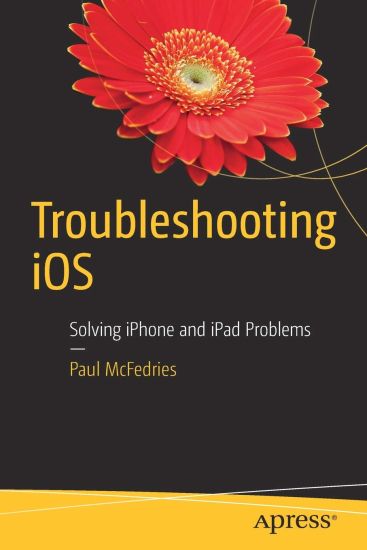
Troubleshooting iOS

Troubleshooting iOS

Paul McFedries

APress
2016
nidottu
Understand and solve many different kinds of iPhone and iPad problems. This book covers both general troubleshooting techniques applicable in a wide variety of situations as well as specific fixes for topics such as networking, apps, photos, the battery, and syncing. Glitches, hiccups, and crashes just aren't supposed to happen with iOS, but alas, all too often they do. It is these non-obvious fixes, workarounds, and preventative measures that form the core of iOS Troubleshooting. With clear, straightforward prose, this book will take the reader through hundreds of iOS problems, explain the reasons for them, and provide easy to understand solutions to get the device (and you) back in business. What you'll learn:Fix cellular and networking connectionsIncorporate accessories effectivelySolve batteryand charging issuesClear up syncing and iCloud glitches Who this book is for:Any person who uses an iOS device.
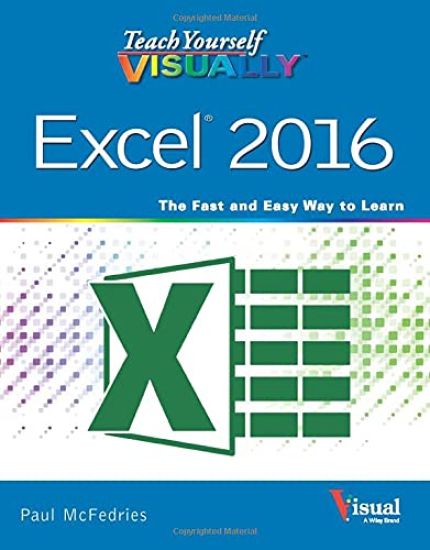
Teach Yourself VISUALLY Excel 2016

Teach Yourself VISUALLY Excel 2016

Paul McFedries

John Wiley Sons Inc
2015
nidottu
See your way to Excel spreadsheet stardom with this visual guide If you're always hearing about the cool things Excel can do, here's your chance to see how to do them! Teach Yourself Visually Excel offers you a straightforward visual approach to working with the newest version of the world's leading spreadsheet program. Packed with visually rich tutorials and step-by-step instructions that will help you take your Excel skills to new heights, this friendly and approachable guide will have you creating, editing, and manipulating Excel spreadsheets in no time! Excel can seem daunting, but with Teach Yourself Visually Excel, you'll quickly and painlessly learn how to perform dozens of tasks, including creating spreadsheets and charts, filtering and sorting data, working with PivotTables, and so much more. Covering the latest additions and changes to the newest version of Excel, a series of easy-to-follow, full-color tutorials helps you to excel at working with Excel! Tutorials and step-by-step screenshots make lessons easy to follow and understandHelps you grasp the basic functions of Excel—and beyondWalks you through Excel s new featuresClearly demonstrates how to organize, present, analyze, and chart data with Excel Whether you've never used Excel or just need to brush up on its new features, Teach Yourself Visually Excel will be the dog-eared resource you'll turn to again and again.
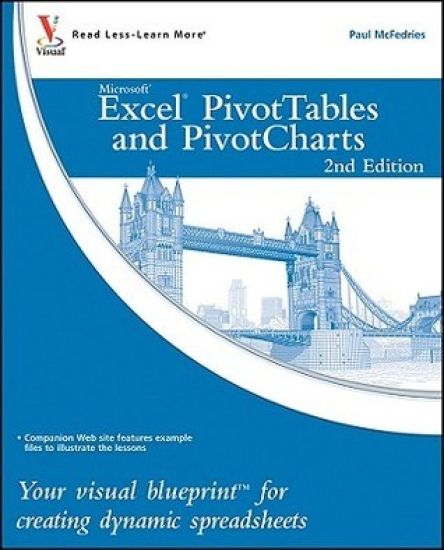
Excel PivotTables and PivotCharts

Excel PivotTables and PivotCharts

Paul McFedries

John Wiley Sons Inc
2010
nidottu
Master two of the most powerful features of Excel Even if you use Excel all the time, you may not be up to speed on two of Excel's most useful features. PivotTable and PivotChart turn long lists of unreadable data into dynamic, easy-to-read tables and charts that highlight the information you need most; you can tweak results with a click or easily fuse data from several sources into one document. Now you can learn how to tap these powerful Excel tools with this practical guide. Using a series of step-by-step tutorials and easy-to-follow screenshots, this book shows you in a visual way how to create and customize PivotTables and PivotCharts, use them to analyze business data, and ultimately achieve more with less work. Explains the benefits PivotTables and PivotCharts, two powerful features of Excel that allow users to create dynamic spreadsheetsCovers creating and customizing, analyzing business data, building custom calculations, linking to external data sources (including Access databases, Word tables, Web pages, XML data, SQL Server databases, and OLAP cubes), creating macros to automate tasks, and moreUses step-by-step tutorials and easy-to-follow screenshots, a "learn by seeing" approach for visual learners Practical, visual, and packed with content, this is the book you need to ramp up your Excel skills with PivotTables and PivotCharts.
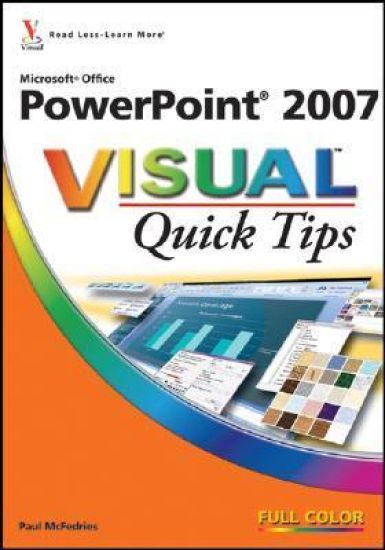
PowerPoint 2007 Visual Quick Tips

PowerPoint 2007 Visual Quick Tips

Paul McFedries; Lisa A. Bucki

Hungry Minds Inc,U.S.
2007
nidottu
"PowerPoint 2007 Visual Quick Tips" provides visual learners with useful and unexpected techniques that can be performed using Microsoft's robust presentation software. This easy to use, compact guide provides tips, secrets, and tricks to help readers save time and become more efficient with PowerPoint. The full-color screen shots and numbered, step-by-step instructions show readers how to get more done in less time and boost their productivity. A handy smaller trim size makes it easy for readers to find essential information on the core tasks of PowerPoint 2007.
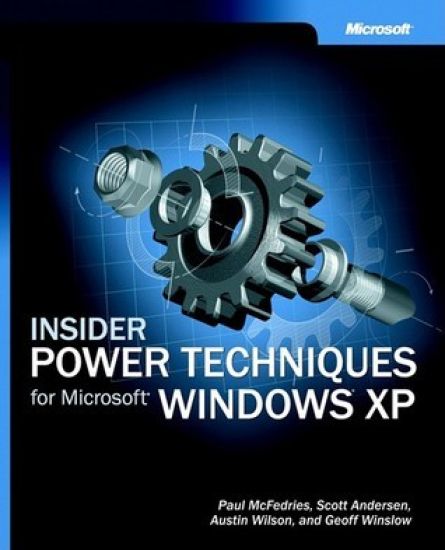
Insider Power Techniques for Microsoft Windows XP

Insider Power Techniques for Microsoft Windows XP

Paul McFedries; Scott Andersen; Austin Wilson; Winslow

Pagina förlags AB
2003
nidottu
Amp up your Windows XP knowledge with the little-known, undocumented insider techniques from professional consultants who work with customers and the technology every day. INSIDER POWER TECHNIQUES FOR MICROSOFT WINDOWS XP delivers from-the-field insights and secrets of three Microsoft Consulting Services (MCS) consultants who’ve been deploying and supporting the operating system since its release. Well-known Windows book author Paul McFedries has teamed with these experts to provide power with a wealth of unique, real-world techniques, tweaks, tricks, and workarounds—all focused on doing more and getting more from Windows. Topics include customizing the interface, resource management, the Registry, Microsoft Internet Explorer, Microsoft Outlook® Express, networking, batch files, scripting, digital media, Windows XP Power Toys, everyday maintenance, and troubleshooting. Articulate, authoritative, and consistently practical, this Microsoft Press® book puts powerful, professional-level techniques easily within your grasp! Key Book Benefits: Reveals cool tricks, little-known workarounds, and power secrets for optimizing Windows XP performance Shares the unique insights and hands-on expertise of Microsoft Consulting Services professionals who work with Windows XP day in, day out Articulates basic steps for performing each task—placing powerful, under-the-hood insights within easy reach!