Kirjailija
Matt Weber
Kirjat ja teokset yhdessä paikassa: 258 kirjaa, julkaisuja vuosilta 2015–2026, suosituimpiin kuuluu Mastercam 2027 Black Book. Vertaile teosten hintoja ja tarkista saatavuus suomalaisista kirjakaupoista.
258 kirjaa
Kirjojen julkaisuvuodet: 2015–2026.
Ansys Discovery 2025 Black Book, 1st edition, is a comprehensive guide designed for engineers, designers, and analysts seeking to master Ansys Discovery. Covering essential topics from sketching and modeling to advanced simulations, this book provides step-by-step instructions with practical examples. It explores geometry creation, repair tools, design modifications, and simulation techniques, including structural, thermal, electromagnetic, and fluid flow analyses. With detailed explanations of user interface tools, constraints, meshing, and topology optimization, this book ensures a strong foundation for both beginners and professionals. Self-assessment sections help reinforce learning, making it a valuable resource for anyone looking to enhance their simulation and design skills with Ansys Discovery. Some of the salient features of this book are: In-Depth explanation of conceptsEvery new topic of this book starts with the explanation of the basic concepts. In this way, the user becomes capable of relating the things with real world. Topics CoveredEvery chapter starts with a list of topics being covered in that chapter. In this way, the user can easily find the topic of his/her interest easily. Instruction through illustrationThe instructions to perform any action are provided by maximum number of illustrations so that the user can perform the actions discussed in the book easily and effectively. There are about 600 illustrations that make the learning process effective. Tutorial point of viewThe book explains the concepts through the tutorial to make the understanding of users firm and long lasting. Each chapter of the book has tutorials that are real world projects. ProjectProjects and exercises are provided to students for practicing. For FacultyIf you are a faculty member, then you can ask for video tutorials on any of the topic, exercise, tutorial, or concept. As faculty, you can register on our website to get electronic desk copies of our latest books, self-assessment, and solution of practical. Faculty resources are available in the Faculty Member page of our website (www.cadcamcaeworks.com) once you login. Note that faculty registration approval is manual and it may take two days for approval before you can access the faculty website.
Autodesk Fusion Black Book (V 2.0.21508) Part 1
Gaurav Verma; Matt Weber
CADCAMCAE Works
2025
sidottu
The Autodesk Fusion Black Book (V 2.0. 21508) is 8th edition of our series on Autodesk Fusion. The book is updated on Autodesk Fusion Student V 2.0. 21508 which is Feb 2025 version of software. The content of book is divided into two parts: Autodesk Fusion Black Book (V 2.0. 21508) Part I and Autodesk Fusion Black Book (V 2.0. 21508) Part II which are separate books covering different sections of software. Part I of the books covers Basics of User Interface of software, Sketching, 3D Part Design, Assembly Design, Surface Modeling, Rendering, Animation, and Drawing. The Part II of the books covers Sculpting, Mesh Design, Manufacturing (Milling, Turning, Additive, and Cutting Operations), Simulation, Sheetmetal Design and Generative Design. With lots of features and thorough review, we present the books to help professionals as well as beginners in creating some of the most complex solid models. These books follow step-by-step methodology for describing tools and techniques. In these books, we have tried to give real-world examples with real challenges in designing. We have tried to reduce the gap between educational use of Autodesk Fusion and industrial use of Autodesk Fusion. Latest enhancements of the software have been added in this edition. Some of the salient features of this book are: In-Depth explanation of conceptsEvery new topic of this book starts with the explanation of the basic concepts. In this way, the user becomes capable of relating the things with real world. Topics CoveredEvery chapter starts with a list of topics being covered in that chapter. In this way, the user can easily find the topic of his/her interest easily. Instruction through illustrationThe instructions to perform any action are provided by maximum number of illustrations so that the user can perform the actions discussed in the book easily and effectively. There are about 2500 small and large illustrations that make the learning process effective. Tutorial point of viewAt the end of concept's explanation, the tutorial makes the understanding of users firm and long lasting. Almost each chapter of the book has tutorials that are real world projects. Moreover, most of the tools in this book are discussed in the form of tutorials. ProjectProjects and exercises are provided to students for practicing. For FacultyIf you are a faculty member, then you can ask for video tutorials on any of the topic, exercise, tutorial, or concept. As faculty, you can register on our website to get electronic desk copies of our latest books, self-assessment, and solution of practical. Faculty resources are available in the Faculty Member page of our website (www.cadcamcaeworks.com) once you login. Note that faculty registration approval is manual and it may take two days for approval before you can access the faculty website.
Autodesk Fusion Black Book (V 2.0.21508) Part 2
Gaurav Verma; Matt Weber
CADCAMCAE Works
2025
sidottu
The Autodesk Fusion Black Book (V 2.0. 21508) is 8th edition of our series on Autodesk Fusion. The book is updated on Autodesk Fusion Student V 2.0. 21508 which is Feb 2025 version of software. The content of book is divided into two parts: Autodesk Fusion Black Book (V 2.0. 21508) Part 1 and Autodesk Fusion Black Book (V 2.0. 21508) Part 2 which are separate books covering different sections of software. Part I of the books covers Basics of User Interface of software, Sketching, 3D Part Design, Assembly Design, Surface Modeling, Rendering, Animation, and Drawing. The Part II of the books covers Sculpting, Mesh Design, Manufacturing (Milling, Turning, Additive, and Cutting Operations), Simulation, Sheetmetal Design and Generative Design. With lots of features and thorough review, we present the books to help professionals as well as beginners in creating some of the most complex solid models. These books follow step-by-step methodology for describing tools and techniques. In these books, we have tried to give real-world examples with real challenges in designing. We have tried to reduce the gap between educational use of Autodesk Fusion and industrial use of Autodesk Fusion. Latest enhancements of the software have been added in this edition. Some of the salient features of this book are: In-Depth explanation of conceptsEvery new topic of this book starts with the explanation of the basic concepts. In this way, the user becomes capable of relating the things with real world. Topics CoveredEvery chapter starts with a list of topics being covered in that chapter. In this way, the user can easily find the topic of his/her interest easily. Instruction through illustrationThe instructions to perform any action are provided by maximum number of illustrations so that the user can perform the actions discussed in the book easily and effectively. There are about 2500 small and large illustrations that make the learning process effective. Tutorial point of viewAt the end of concept's explanation, the tutorial makes the understanding of users firm and long lasting. Almost each chapter of the book has tutorials that are real world projects. Moreover, most of the tools in this book are discussed in the form of tutorials. ProjectProjects and exercises are provided to students for practicing. For FacultyIf you are a faculty member, then you can ask for video tutorials on any of the topic, exercise, tutorial, or concept. As faculty, you can register on our website to get electronic desk copies of our latest books, self-assessment, and solution of practical. Faculty resources are available in the Faculty Member page of our website (www.cadcamcaeworks.com) once you login. Note that faculty registration approval is manual and it may take two days for approval before you can access the faculty website.
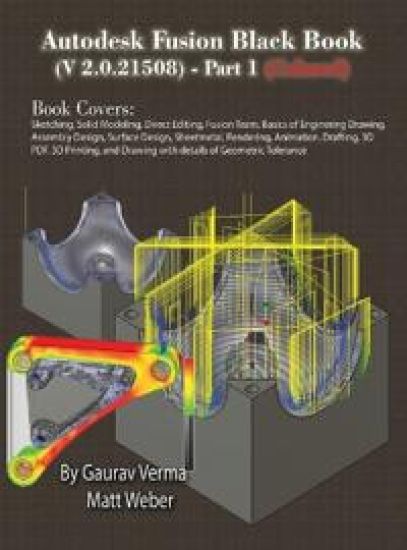
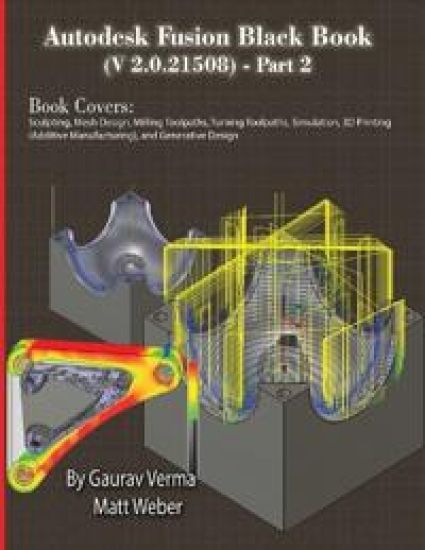
Autodesk Fusion Black Book (V 2.0.21508) Part 2
Gaurav Verma; Matt Weber
CADCAMCAE Works
2025
pokkari
The Autodesk Fusion Black Book (V 2.0. 21508) is 8th edition of our series on Autodesk Fusion. The book is updated on Autodesk Fusion Student V 2.0. 21508 which is Feb 2025 version of software. The content of book is divided into two parts: Autodesk Fusion Black Book (V 2.0. 21508) Part 1 and Autodesk Fusion Black Book (V 2.0. 21508) Part 2 which are separate books covering different sections of software. Part I of the books covers Basics of User Interface of software, Sketching, 3D Part Design, Assembly Design, Surface Modeling, Rendering, Animation, and Drawing. The Part II of the books covers Sculpting, Mesh Design, Manufacturing (Milling, Turning, Additive, and Cutting Operations), Simulation, Sheetmetal Design and Generative Design. With lots of features and thorough review, we present the books to help professionals as well as beginners in creating some of the most complex solid models. These books follow step-by-step methodology for describing tools and techniques. In these books, we have tried to give real-world examples with real challenges in designing. We have tried to reduce the gap between educational use of Autodesk Fusion and industrial use of Autodesk Fusion. Latest enhancements of the software have been added in this edition. Some of the salient features of this book are: In-Depth explanation of conceptsEvery new topic of this book starts with the explanation of the basic concepts. In this way, the user becomes capable of relating the things with real world. Topics CoveredEvery chapter starts with a list of topics being covered in that chapter. In this way, the user can easily find the topic of his/her interest easily. Instruction through illustrationThe instructions to perform any action are provided by maximum number of illustrations so that the user can perform the actions discussed in the book easily and effectively. There are about 2500 small and large illustrations that make the learning process effective. Tutorial point of viewAt the end of concept's explanation, the tutorial makes the understanding of users firm and long lasting. Almost each chapter of the book has tutorials that are real world projects. Moreover, most of the tools in this book are discussed in the form of tutorials. ProjectProjects and exercises are provided to students for practicing. For FacultyIf you are a faculty member, then you can ask for video tutorials on any of the topic, exercise, tutorial, or concept. As faculty, you can register on our website to get electronic desk copies of our latest books, self-assessment, and solution of practical. Faculty resources are available in the Faculty Member page of our website (www.cadcamcaeworks.com) once you login. Note that faculty registration approval is manual and it may take two days for approval before you can access the faculty website.
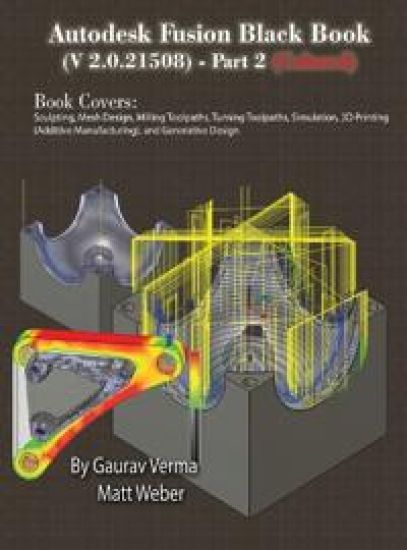
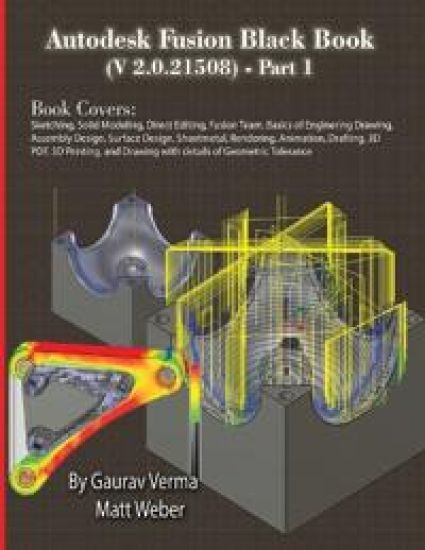
Autodesk Fusion Black Book (V 2.0.21508) Part 1
Gaurav Verma; Matt Weber
CADCAMCAE Works
2025
pokkari
The Autodesk Fusion Black Book (V 2.0. 21508) is 8th edition of our series on Autodesk Fusion. The book is updated on Autodesk Fusion Student V 2.0. 21508 which is Feb 2025 version of software. The content of book is divided into two parts: Autodesk Fusion Black Book (V 2.0. 21508) Part I and Autodesk Fusion Black Book (V 2.0. 21508) Part II which are separate books covering different sections of software. Part I of the books covers Basics of User Interface of software, Sketching, 3D Part Design, Assembly Design, Surface Modeling, Rendering, Animation, and Drawing. The Part II of the books covers Sculpting, Mesh Design, Manufacturing (Milling, Turning, Additive, and Cutting Operations), Simulation, Sheetmetal Design and Generative Design. With lots of features and thorough review, we present the books to help professionals as well as beginners in creating some of the most complex solid models. These books follow step-by-step methodology for describing tools and techniques. In these books, we have tried to give real-world examples with real challenges in designing. We have tried to reduce the gap between educational use of Autodesk Fusion and industrial use of Autodesk Fusion. Latest enhancements of the software have been added in this edition. Some of the salient features of this book are: In-Depth explanation of conceptsEvery new topic of this book starts with the explanation of the basic concepts. In this way, the user becomes capable of relating the things with real world. Topics CoveredEvery chapter starts with a list of topics being covered in that chapter. In this way, the user can easily find the topic of his/her interest easily. Instruction through illustrationThe instructions to perform any action are provided by maximum number of illustrations so that the user can perform the actions discussed in the book easily and effectively. There are about 2500 small and large illustrations that make the learning process effective. Tutorial point of viewAt the end of concept's explanation, the tutorial makes the understanding of users firm and long lasting. Almost each chapter of the book has tutorials that are real world projects. Moreover, most of the tools in this book are discussed in the form of tutorials. ProjectProjects and exercises are provided to students for practicing. For FacultyIf you are a faculty member, then you can ask for video tutorials on any of the topic, exercise, tutorial, or concept. As faculty, you can register on our website to get electronic desk copies of our latest books, self-assessment, and solution of practical. Faculty resources are available in the Faculty Member page of our website (www.cadcamcaeworks.com) once you login. Note that faculty registration approval is manual and it may take two days for approval before you can access the faculty website.
FreeCAD 1.0 Black Book is the ultimate guide for mastering FreeCAD 1.0, the powerful open-source CAD/CAM/CAE software. This book, authored by Gaurav Verma and Matt Weber, is tailored for beginners and professionals, offering step-by-step tutorials, real-world projects, and over 2100 illustrations to ensure a deep understanding of FreeCAD's capabilities. Covering essential and advanced FreeCAD features, this book starts with interface navigation, sketching, and solid modeling, progressing to CAM, FEM (Finite Element Analysis), Sheet Metal, Computational Fluid Dynamics (CFD), and Assembly Workbenches. Each chapter includes practical examples, making learning intuitive and effective. Key Highlights: ✔ Comprehensive FreeCAD 1.0 Guide - Learn everything from basic sketching to advanced simulation and assembly modeling.✔ Real-World Projects - Industry-relevant examples to build practical expertise.✔ Extensive Visual Support - Detailed illustrations to guide users through each operation.✔ CAM & CNC Machining - Generate toolpaths and G-code for manufacturing.✔ FEM & CFD Simulation - Analyze structures and fluid dynamics within FreeCAD.✔ Sheet Metal & Tech Draw Workbenches - Essential tools for product design. Whether you're a student, engineer, designer, or hobbyist, the FreeCAD 1.0 Black Book is your go-to resource for parametric 3D modeling, design automation, and simulation.
FreeCAD 1.0 Black Book
Gaurav Verma; Matt Weber
CADCAMCAE Works
2025
pokkari
Halvin toimitettuna 63,90 €
FreeCAD 1.0 Black Book is the ultimate guide for mastering FreeCAD 1.0, the powerful open-source CAD/CAM/CAE software. This book, authored by Gaurav Verma and Matt Weber, is tailored for beginners and professionals, offering step-by-step tutorials, real-world projects, and over 2100 illustrations to ensure a deep understanding of FreeCAD's capabilities. Covering essential and advanced FreeCAD features, this book starts with interface navigation, sketching, and solid modeling, progressing to CAM, FEM (Finite Element Analysis), Sheet Metal, Computational Fluid Dynamics (CFD), and Assembly Workbenches. Each chapter includes practical examples, making learning intuitive and effective. Key Highlights: ✔ Comprehensive FreeCAD 1.0 Guide - Learn everything from basic sketching to advanced simulation and assembly modeling.✔ Real-World Projects - Industry-relevant examples to build practical expertise.✔ Extensive Visual Support - Detailed illustrations to guide users through each operation.✔ CAM & CNC Machining - Generate toolpaths and G-code for manufacturing.✔ FEM & CFD Simulation - Analyze structures and fluid dynamics within FreeCAD.✔ Sheet Metal & Tech Draw Workbenches - Essential tools for product design. Whether you're a student, engineer, designer, or hobbyist, the FreeCAD 1.0 Black Book is your go-to resource for parametric 3D modeling, design automation, and simulation.
The SolidWorks CAM 2025 Black Book is the 6th edition of our series on SolidWorks CAM. The book is written to help professionals as well as learners get familiar with functionality of the software. The book follows a step-by-step methodology. In this book, we have tried to give real-world examples with real challenges in manufacturing design. We have tried to reduce the gap between university use and industrial use of SolidWorks CAM. The book covers almost all the information required by a learner to master SolidWorks CAM. Some of the salient features of this book are: In-Depth explanation of conceptsEvery new topic of this book starts with the explanation of the basic concepts. In this way, the user becomes capable of relating the things with real world. Topics CoveredEvery chapter starts with a list of topics being covered in that chapter. In this way, the user can easy find the topic of his/her interest easily. Instruction through illustrationThe instructions to perform any action are provided by maximum number of illustrations so that the user can perform the actions discussed in the book easily and effectively. There are about 400 small and large illustrations that make the learning process effective. Tutorial point of viewAt the end of concept's explanation, the tutorial makes the understanding of users firm and long lasting. Most of the tools in this book are discussed in the form of tutorials. ProjectProjects and exercises are provided to students for practicing. For FacultyIf you are a faculty member, then you can ask for video tutorials on any of the topic, exercise, tutorial, or concept. As faculty, you can register on our website to get electronic desk copies of our latest books, self-assessment, and solution of practical. Faculty resources are available in the Faculty Member page of our website (www.cadcamcaeworks.com) once you login. Note that faculty registration approval is manual and it may take two days for approval before you can access the faculty website.
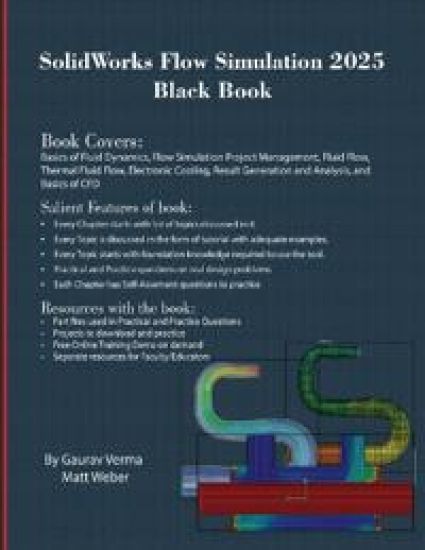
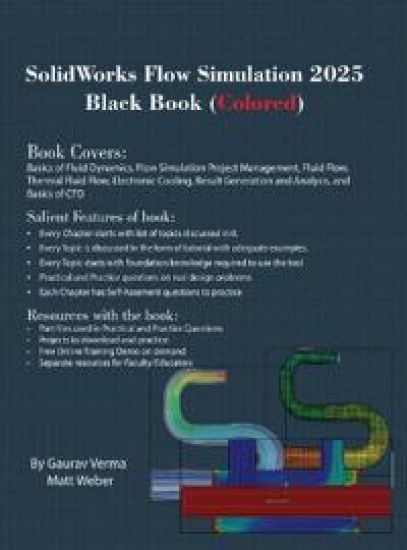
The SolidWorks Flow Simulation 2025 Black Book is the 7th edition of our series on SolidWorks Flow Simulation. The book is targeted for beginners of SolidWorks Flow Simulation. This book covers the basic equations and terms of Fluid Dynamics theory. The book covers all the major tools of Flow Simulation modules like Fluid Flow, Thermal Fluid Flow, and Electronic Cooling modules. A chapter on basic concepts of CFD has been added to discuss behind the scene calculations of SolidWorks CFD software. This edition of book includes more than 140 MCQs added for self-assessment. This book can be used as supplement to Fluid Dynamics course if your subject requires the application of Software for solving real-world problems. Some of the salient features of this book are: In-Depth explanation of conceptsEvery new topic of this book starts with the explanation of the basic concepts. In this way, the user becomes capable of relating the things with real world. Topics CoveredEvery chapter starts with a list of topics being covered in that chapter. In this way, the user can easy find the topic of his/her interest easily. Instruction through illustrationThe instructions to perform any action are provided by maximum number of illustrations so that the user can perform the actions discussed in the book easily and effectively. There are about 530 illustrations that make the learning process effective. Tutorial point of viewAt the end of concept's explanation, the tutorial makes the understanding of users firm and long lasting. Almost each chapter of the book has tutorials that are real world projects. Moreover, most of the tools in this book are discussed in the form of tutorials. ProjectProjects and exercises are provided to students for practicing. For FacultyIf you are a faculty member, then you can ask for video tutorials on any of the topic, exercise, tutorial, or concept. As faculty, you can register on our website to get electronic desk copies of our latest books, self-assessment, and solution of practical. Faculty resources are available in the Faculty Member page of our website (www.cadcamcaeworks.com) once you login. Note that faculty registration approval is manual and it may take two days for approval before you can access the faculty website.
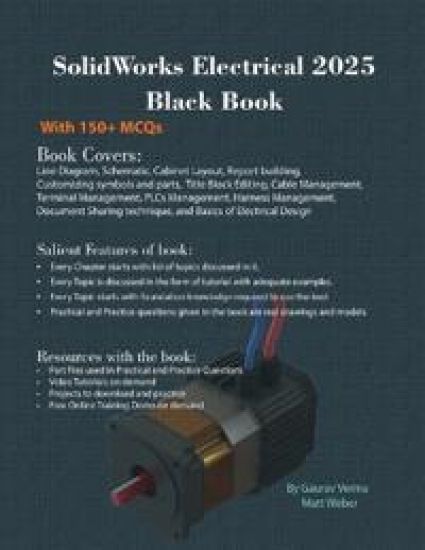
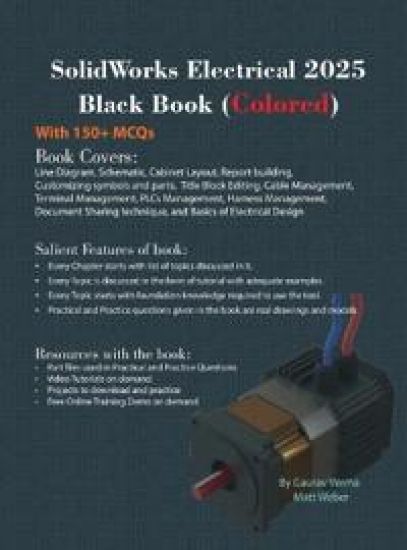
The SolidWorks Electrical 2025 Black Book is, the revised and updated, 11th edition of SolidWorks Electrical Black Book, written to help professionals as well as learners in performing various tedious jobs in Electrical control designing. The book follows the best proven step by step methodology. This book is more concentrated on making you able to use tools at right places. The book starts with basics of Electrical Designing, goes through all the Electrical controls related tools, and ends with practical examples of electrical schematics. Chapters also cover Reports that make you comfortable in creating and editing electrical component reports. There are two annexures added to explain basic concepts of control panel designing. Some of the salient features of this book are: In-Depth explanation of conceptsEvery new topic of this book starts with the explanation of the basic concepts. In this way, the user becomes capable of relating the things with real world. Topics CoveredEvery chapter starts with a list of topics being covered in that chapter. In this way, the user can easily find the topic of his/her interest easily. Instruction through illustrationThe instructions to perform any action are provided by maximum number of illustrations so that the user can perform the actions discussed in the book easily and effectively. There are about 600 illustrations that make the learning process effective. Tutorial point of viewThe book explains the concepts through the tutorial to make the understanding of user's firm and long lasting. Each chapter of the book has tutorials that are real world projects. For FacultyIf you are a faculty member, then you can ask for video tutorials on any of the topic, exercise, tutorial, or concept. As faculty, you can register on our website to get electronic desk copies of our latest books. Faculty resources are available in the Faculty Member page of our website (www.cadcamcaeworks.com) once you login. Note that faculty registration approval is manual and it may take two days for approval before you can access the faculty website.
The SolidWorks Simulation 2025 Black Book, is 12th edition of the book written to help professionals as well as students in performing various tedious jobs of Finite Element Analysis. The book follows a step-by-step methodology. This book explains the background work running behind your simulation analysis screen. The book covers almost all the information required by a learner to master the SolidWorks Simulation. The book starts with basics of FEA, goes through all the simulation tools, and ends up with practical examples of analysis. Chapters on manual FEA ensure the firm understanding of FEA concepts through SolidWorks Simulation. The book contains our special sections named "Why?" and notes. We have given reasons for selecting most of the options in analysis under the "Why?" sections. The book explains the Solver selection, iteration methods like Newton-Raphson method and integration techniques used by SolidWorks Simulation for functioning. A chapter on Topology Study helps you understand the procedures of modifying component based on analysis results. New tips and notes have been added in this book for various analyses. Some of the salient features of this book are: In-Depth explanation of conceptsEvery new topic of this book starts with the explanation of the basic concepts. In this way, the user becomes capable of relating the things with real world. Topics CoveredEvery chapter starts with a list of topics being covered in that chapter. In this way, the user can easily find the topic of his/her interest easily. Instruction through illustrationThe instructions to perform any action are provided by maximum number of illustrations so that the user can perform the actions discussed in the book easily and effectively. There are about 750 illustrations that make the learning process effective. Tutorial point of viewThe book explains the concepts through the tutorial to make the understanding of users firm and long lasting. Each chapter of the book has tutorials that are real world projects." Why?" The book explains the reasons for selecting options or setting a parameter in tutorials explained in the book. ProjectProjects and exercises are provided to students for practicing. For FacultyIf you are a faculty member, then you can ask for video tutorials on any of the topic, exercise, tutorial, or concept. As faculty, you can register on our website to get electronic desk copies of our latest books, self-assessment, and solution of practical. Faculty resources are available in the Faculty Member page of our website once you login. Note that faculty registration approval is manual and it may take two days for approval before you can access the faculty website.
SolidWorks 2025 Black Book
Gaurav Verma; Matt Weber
CADCAMCAE Works
2024
pokkari
Halvin toimitettuna 61,30 €
The SolidWorks 2025 Black Book is the 12th edition of our series on SolidWorks. With lots of additions and thorough review, we present a book to help professionals as well as beginners in creating some of the most complex solid models. The book follows a step by step methodology. In this book, we have tried to give real-world examples with real challenges in designing. We have tried to bridge the gap between academic use and industrial use of SolidWorks. In this edition of book, we have included many new features of SolidWorks as per the latest enhancements of software. The book covers almost all the information required by a learner to master the SolidWorks. The book starts with sketching and ends at advanced topics like Mold Design, Sheetmetal, Weldment, SolidWorks CAM, and MBD. Some of the salient features of this book are: In-Depth explanation of conceptsEvery new topic of this book starts with the explanation of the basic concepts. In this way, the user becomes capable of relating the things with real world. Topics CoveredEvery chapter starts with a list of topics being covered in that chapter. In this way, the user can easy find the topic of his/her interest easily. Instruction through illustrationThe instructions to perform any action are provided by maximum number of illustrations so that the user can perform the actions discussed in the book easily and effectively. There are about 1300 illustrations that make the learning process effective. Tutorial point of viewAt the end of concept's explanation, the tutorial make the understanding of users firm and long lasting. Almost each chapter of the book has tutorials that are real world projects. Moreover most of the tools in this book are discussed in the form of tutorials. Self-AssessmentThe book has more than 500 MCQs for self-assessment by learner. For FacultyIf you are a faculty member, then you can ask for video tutorials on any of the topic, exercise, tutorial, or concept. As faculty, you can register on our website to get electronic desk copies of our latest books, self-assessment, and solution of practical. Faculty resources are available in the Faculty Member page of our website once you login. Note that faculty registration approval is manual and it may take two days for approval before you can access the faculty website.
SolidWorks 2025 Black Book: (Colored)
Gaurav Verma; Matt Weber
CADCAMCAE Works
2024
sidottu
Halvin toimitettuna 82,30 €
The SolidWorks 2025 Black Book is the 12th edition of our series on SolidWorks. With lots of additions and thorough review, we present a book to help professionals as well as beginners in creating some of the most complex solid models. The book follows a step by step methodology. In this book, we have tried to give real-world examples with real challenges in designing. We have tried to bridge the gap between academic use and industrial use of SolidWorks. In this edition of book, we have included many new features of SolidWorks as per the latest enhancements of software. The book covers almost all the information required by a learner to master the SolidWorks. The book starts with sketching and ends at advanced topics like Mold Design, Sheetmetal, Weldment, SolidWorks CAM, and MBD. Some of the salient features of this book are: In-Depth explanation of conceptsEvery new topic of this book starts with the explanation of the basic concepts. In this way, the user becomes capable of relating the things with real world. Topics CoveredEvery chapter starts with a list of topics being covered in that chapter. In this way, the user can easy find the topic of his/her interest easily. Instruction through illustrationThe instructions to perform any action are provided by maximum number of illustrations so that the user can perform the actions discussed in the book easily and effectively. There are about 1300 illustrations that make the learning process effective. Tutorial point of viewAt the end of concept's explanation, the tutorial make the understanding of users firm and long lasting. Almost each chapter of the book has tutorials that are real world projects. Moreover most of the tools in this book are discussed in the form of tutorials. Self-AssessmentThe book has more than 500 MCQs for self-assessment by learner. For FacultyIf you are a faculty member, then you can ask for video tutorials on any of the topic, exercise, tutorial, or concept. As faculty, you can register on our website to get electronic desk copies of our latest books, self-assessment, and solution of practical. Faculty resources are available in the Faculty Member page of our website once you login. Note that faculty registration approval is manual and it may take two days for approval before you can access the faculty website.